
01
Create a space
Make a shared space for your household, holiday, office, or anything else you shop for together.
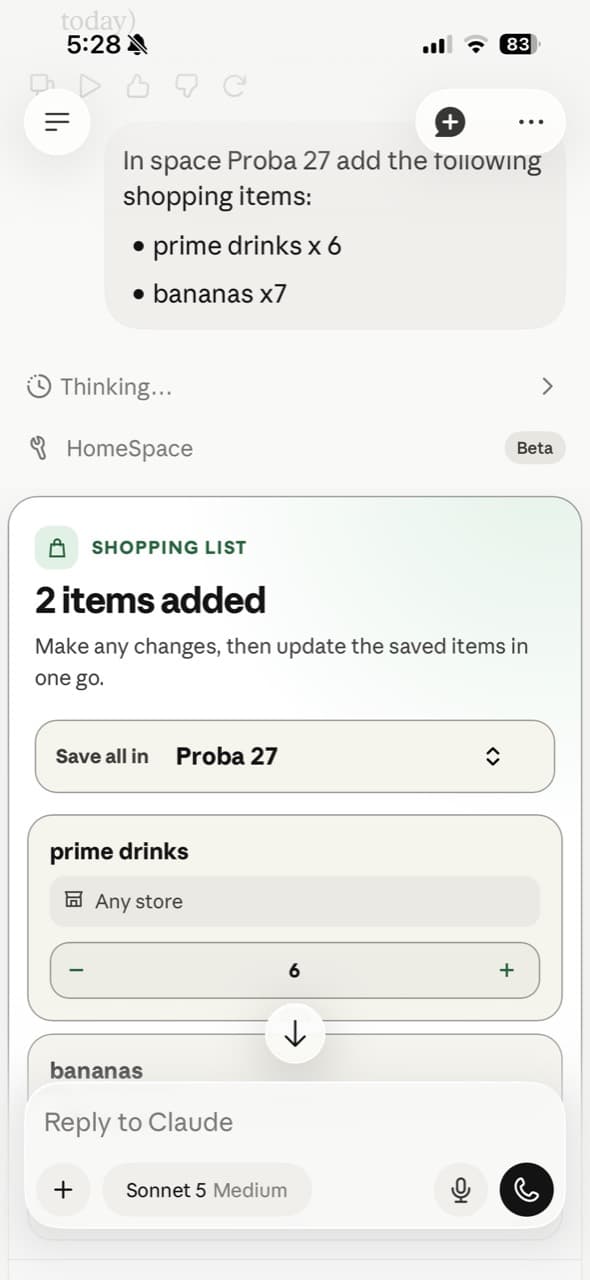
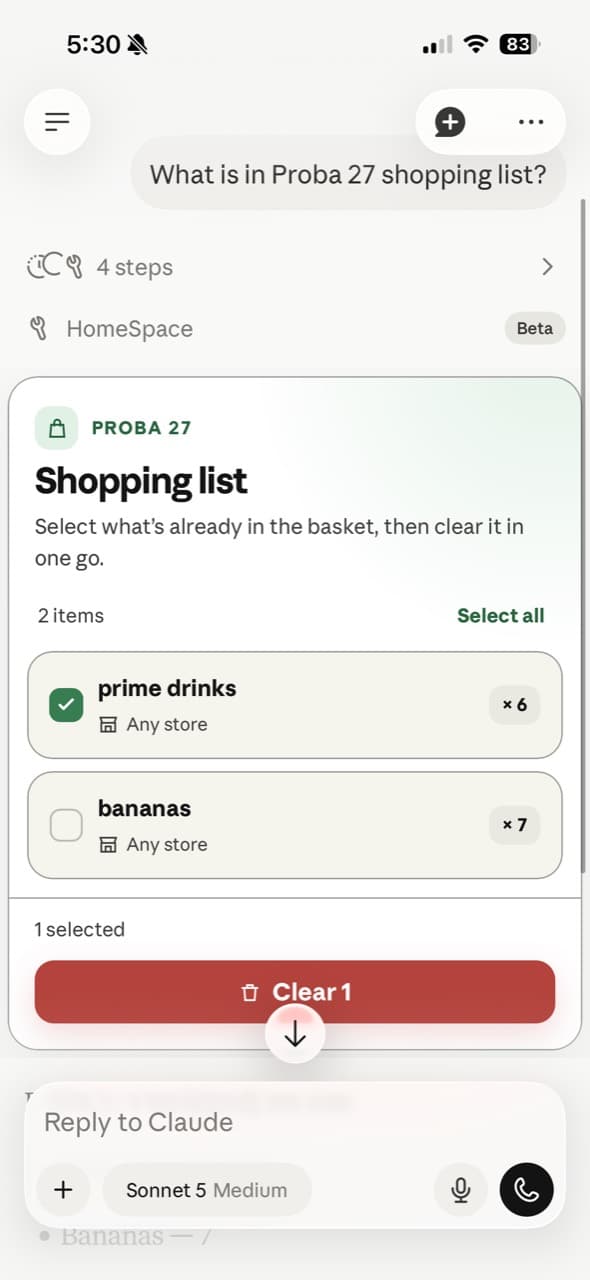
Shared shopping, AI assisted
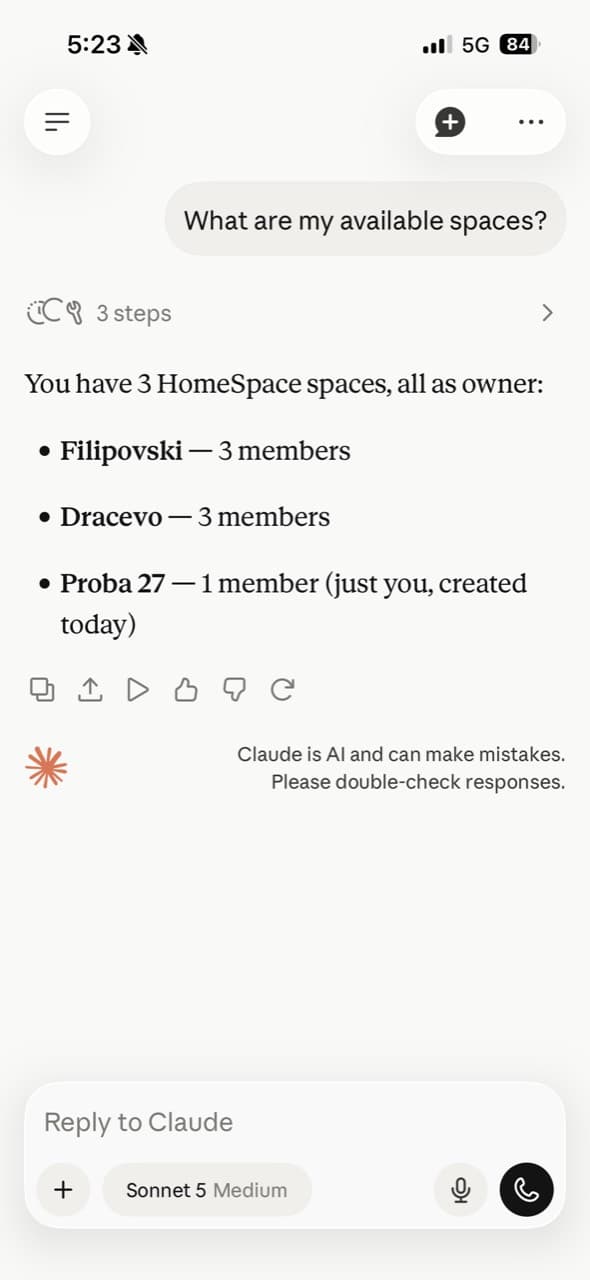
Create a space for every household, trip, or team. Then let the people you share it with—and the AI agent you already use—add, check, and clear the same shopping list.
How it works
01
02
03
Connect your favorite AI
HomeSpace uses OAuth to connect your account securely. Add the server to your AI client once, sign in, and every shopping space you belong to is ready for the conversation.
https://homespace.betta.chat/api/mcpOAuth onOpen Claude's connector settings, choose to add a custom MCP server, and paste the HomeSpace URL. Keep OAuth enabled, then sign in when prompted.
Open ChatGPT's connector settings, add a custom MCP server with the HomeSpace URL, and enable OAuth. Sign in to authorize your shopping spaces.

